Tor routes your traffic through three relays so no single hop knows both who you are and where you're going. Read this before you download anything.
-
1
Get it from the real website
Warning: fake Tor browsers contain malware. Use only the official website.
Download Tor Browser only from torproject.org.
The official website is free. Other websites sell fake copies.
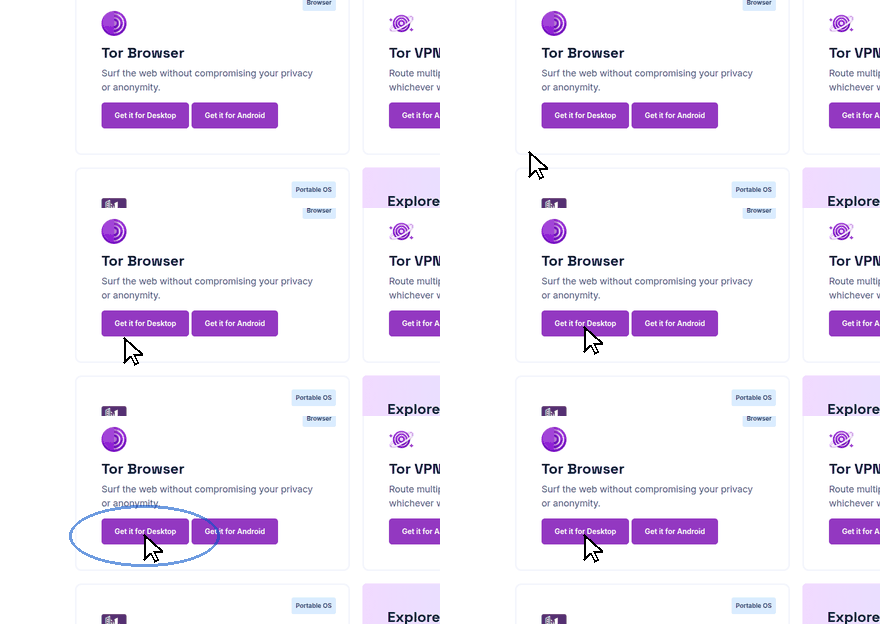
Move the mouse to the download button. Click it.
-
2
Open it and connect
Install the file. Open Tor Browser.
Click Connect. Wait. The browser window opens when Tor is ready.
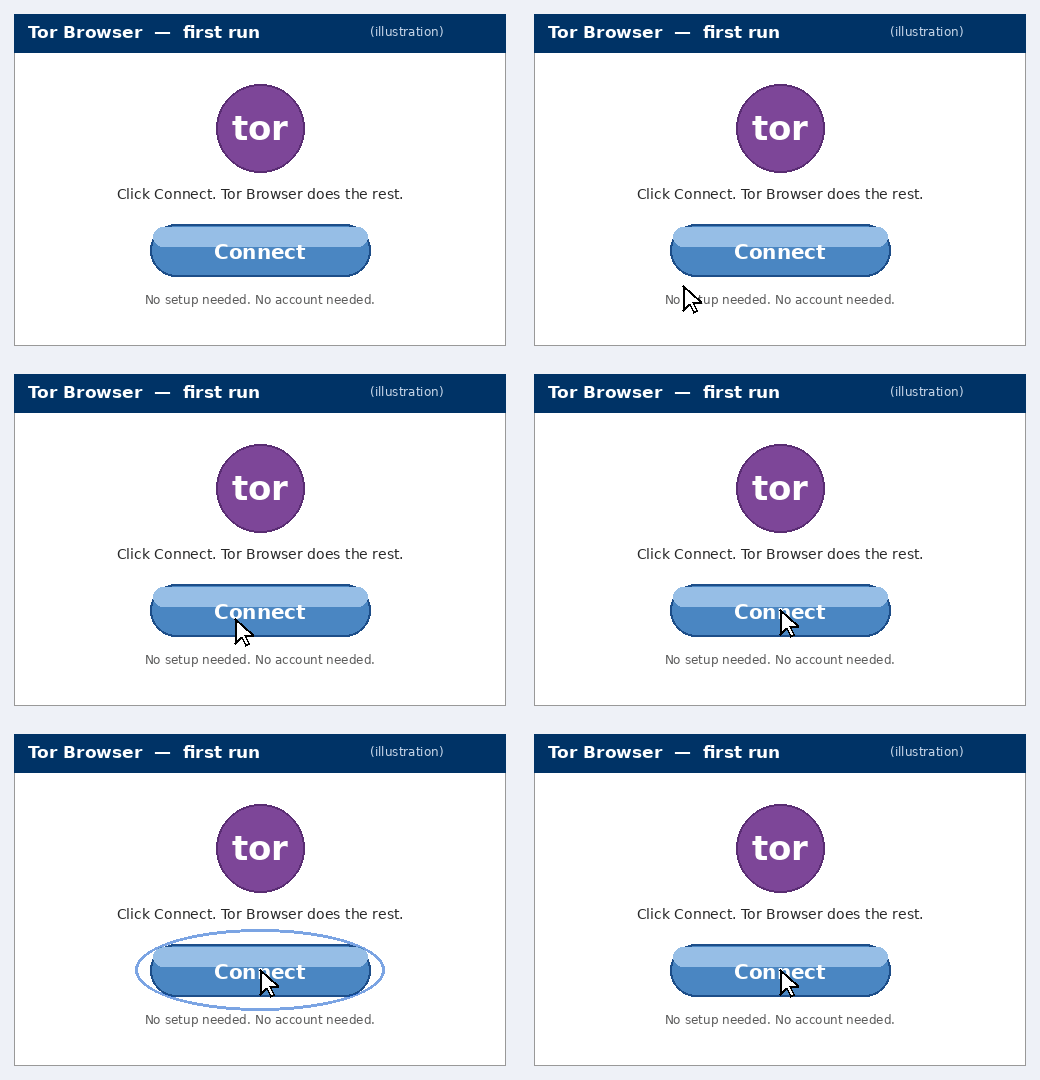
No setup is necessary. No account is necessary.
-
3
Browse. Slow is normal.
Tor sends your traffic through three relays. Browsing is slower than usual. This is normal.
Security: turn JavaScript off. JavaScript can reveal who you are.
Click the shield icon in the toolbar. Select Safest.
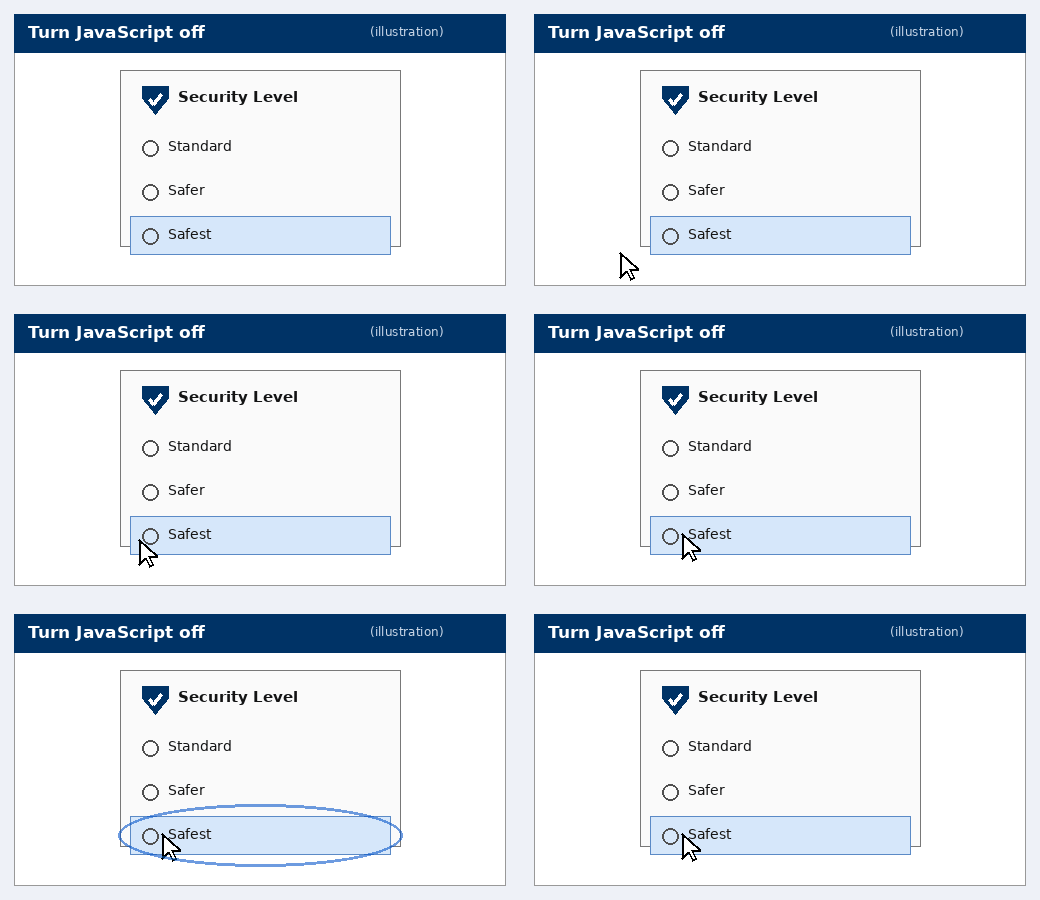
Shield icon → Safest. JavaScript is now off on all websites.
Do not install add-ons. Do not use torrents. Torrents show your real address.
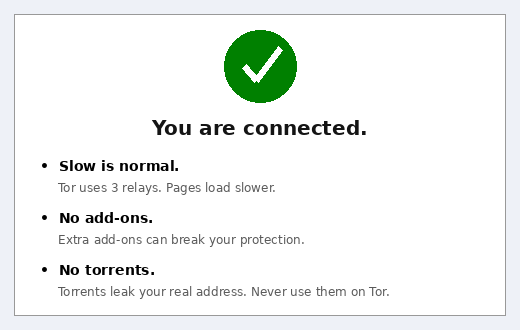
Good to know: some websites block Tor. This is normal. If Tor itself is blocked on your network, get a bridge at bridges.torproject.org — details further down this page.
Get it from exactly one place
Download Tor Browser only from torproject.org. Not an app store, not a random mirror, not a "free VPN" site bundling it. Fake Tor Browsers are a classic malware vector.
Free tool: Tor Browser itself — free, open source, maintained by the Tor Project.
Verify the download
The Tor Project signs every release. Check the signature following their verification guide. It takes two minutes and it's the difference between Tor and malware wearing a Tor costume.
If Tor is blocked where you are
Get bridges at bridges.torproject.org — unlisted relays that hide the fact you're using Tor from your network or ISP. Paste them into Tor Browser's connection settings.
Rules that keep you anonymous
- Don't install add-ons. They can fingerprint or de-anonymize you. Tor Browser ships configured correctly — leave it alone.
- Don't torrent over Tor. It leaks your real IP and hogs relay bandwidth meant for everyone.
- Keep it updated. Update prompts exist because anonymity bugs get fixed. Don't snooze them.
- Don't mix identities. If a session needs to stay anonymous, don't log into your real-name email or social accounts in it.
- .onion addresses only from sources you trust. Onion URLs are random-looking strings — trivially spoofed by phishing. Bookmark the real ones.
Informational only — not an endorsement, not medical or legal advice.