PGP (Pretty Good Privacy) scrambles messages and files so only the person holding the right key can read them. Email providers, governments, and hackers in the middle see noise.
-
1
Make your keys
Warning: your private key unlocks everything. Never share it.
Open the free PGP tool. Type a name. Click Generate keys.
Save your private key in your notepad. Or save it on this device. Keep it secret.
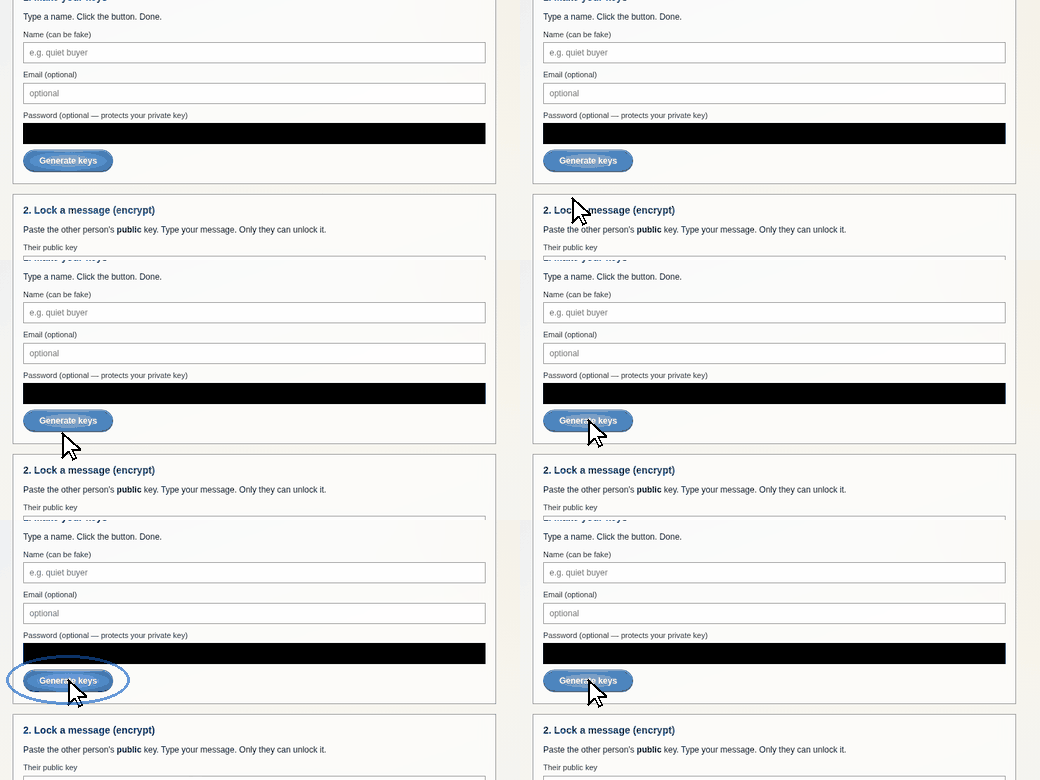
Type a name. Click Generate keys.
-
2
Share your public key
Your public key is not secret. Share it freely.
Click Copy public key. Paste it anywhere — email, chat, forum.
People use it to lock messages that only you can open.
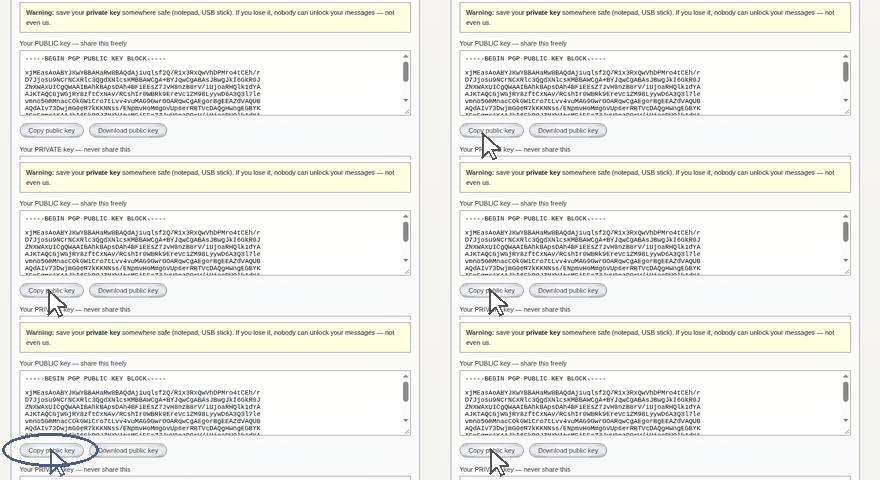
Copy it. Paste it anywhere.
-
3
Lock and unlock messages
To send a secret: paste their public key. Type your message. Click Encrypt.
To read a secret: paste your private key and their locked message. Click Decrypt.
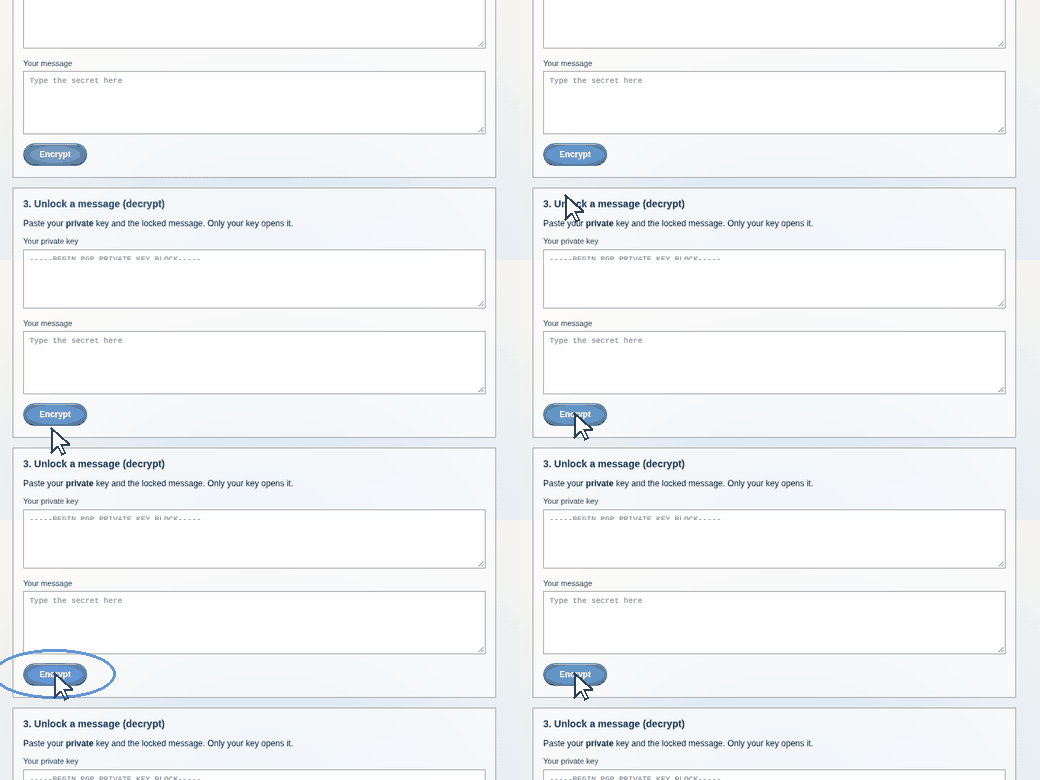
Their key + your message → Encrypt.
Good to know: public key = share. Private key = never share. Lose the private key and your locked messages are gone forever. The full details are below.
Free tool: hush.you's in-browser PGP tool — make keys, encrypt, and decrypt right here. Nothing to install, keys never leave your device. Prefer the classic route? GnuPG (Gpg4win on Windows, built into most Linux distros, GPG Suite on Mac).
Make your keys
Run gpg --full-generate-key, choose RSA 4096, set an expiry date, and use a strong passphrase. You get two keys:
- Public key — share freely. Anyone uses it to encrypt messages to you.
- Private key — never leaves your machine. This is what decrypts.
Use it
- Encrypt to someone:
gpg --encrypt --recipient alice@example.com file.txt - Decrypt what you receive:
gpg --decrypt file.txt.gpg - Prove a message is from you:
gpg --sign message.txt, and verify withgpg --verify
Don't mess this up
- Verify fingerprints out-of-band. Before trusting someone's public key, confirm its fingerprint over a second channel (a call, a QR code in person). A swapped key means you're encrypting to an attacker.
- PGP hides content, not metadata. Who emailed whom and when is still visible. Pair it with Tor and a private email provider if that matters.
- Back up your private key and revocation certificate somewhere safe and offline. Lose the key and your encrypted archive is gone forever.
Informational only — not an endorsement, not medical or legal advice.